AI Lip Sync Generator
The world's most realistic AI lip sync. Make anyone say anything.
2. Input Text or Upload Audio
See AI Lip Sync in Action
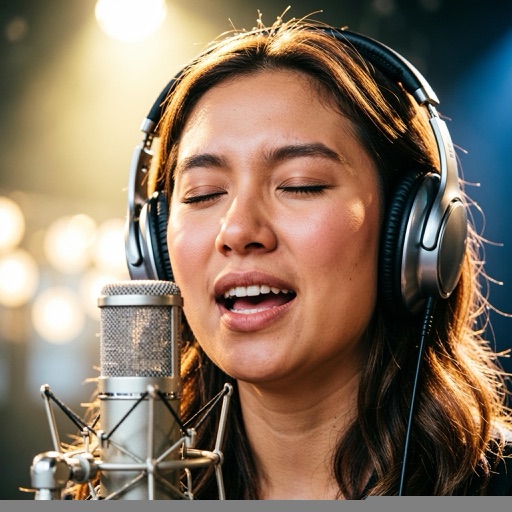
How to Make AI Lip Sync Video

Upload
Upload a single clear photo or short video clip of the face you want to animate.

Add Audio
Paste a script or upload your own voice / song audio. Pick a voice if you are using text.

Video Ready
Hit generate and download or share your talking video in seconds.
Upload
Upload a single clear photo or short video clip of the face you want to animate.
Add Audio
Paste a script or upload your own voice / song audio. Pick a voice if you are using text.
Video Ready
Hit generate and download or share your talking video in seconds.
Why Choose Our AI Lip Sync Generator
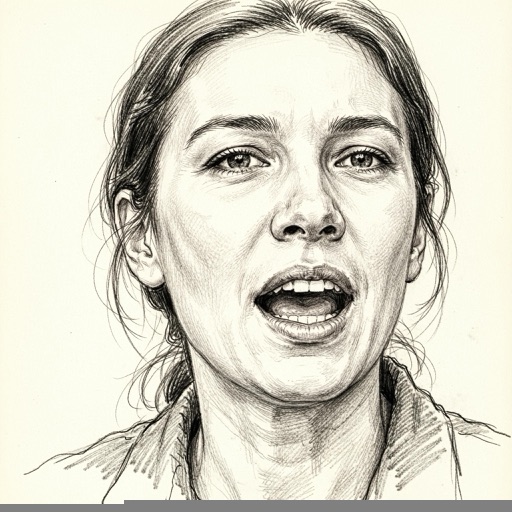

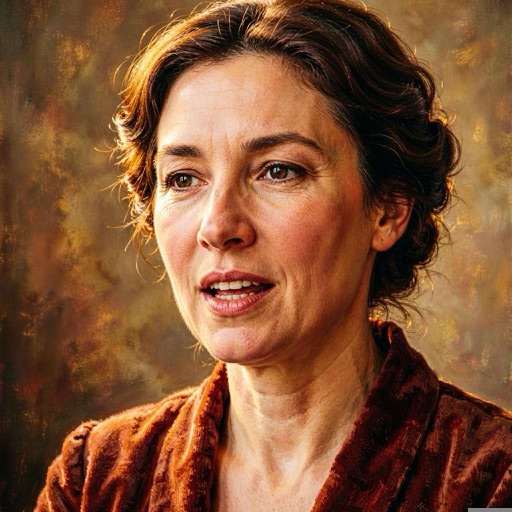

Make Any Face Talk with AI
Turn any portrait, cartoon or pet photo into a natural talking video. Perfect for ads, education and social content.
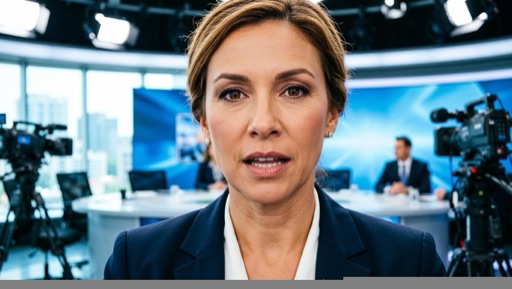
Realistic Lip-Sync & Natural Expression
Frame-accurate mouth movement and subtle expressions keep your character believable and engaging.

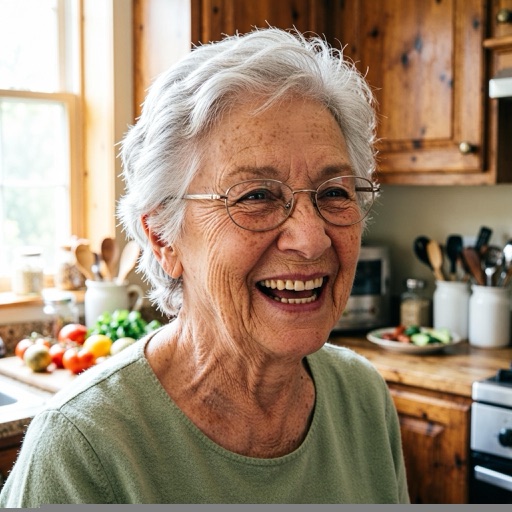
From Photo to Talking Video in Seconds
No editing skills required. One upload and one click is all it takes to bring a photo to life.
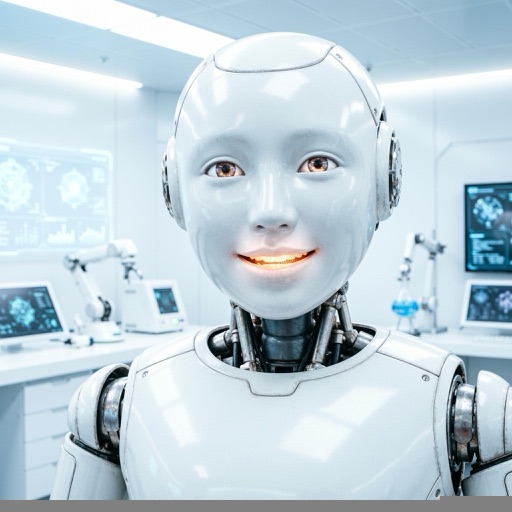
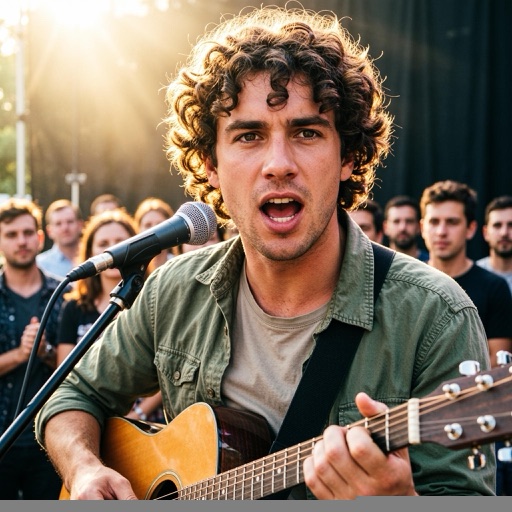
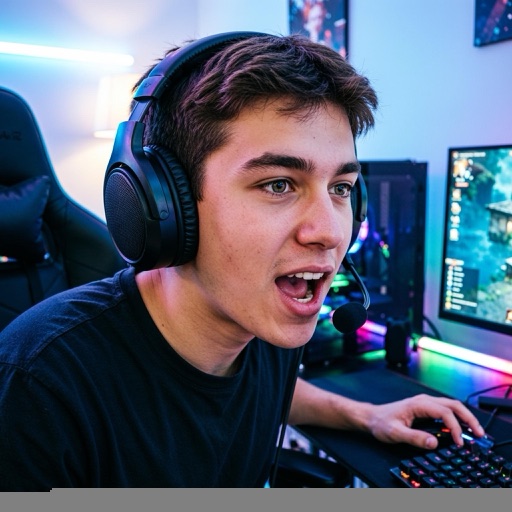
Free to Try, No Video Skills Needed
Start for free right in your browser. No installs, no timeline, no rendering headaches.
We support JPG, PNG and WebP images, plus MP4 and MOV video clips up to 15MB. For best results use a single, clear, front-facing shot with good lighting.
Yes. Switch to Upload Audio and drop in any voice or song file. The model will sync the lips to that audio automatically.
Absolutely. Beyond real portraits, our engine handles cartoons, drawings, pets and baby-style podcast avatars with dedicated modes.
A small watermark is shown by default. Toggle Remove watermark before generating to export a clean clip (credit cost may vary by plan).
Most clips are ready within a minute. Generating a standard talking video costs 10 credits; higher resolutions cost slightly more.